WorldLock · Part 1 of 3
WorldLock: an AR window onto the actual planet
A native Android AR app that georegisters city towers, the whole Earth and the live ISS to the real world with ARCore's Geospatial API.
On this page
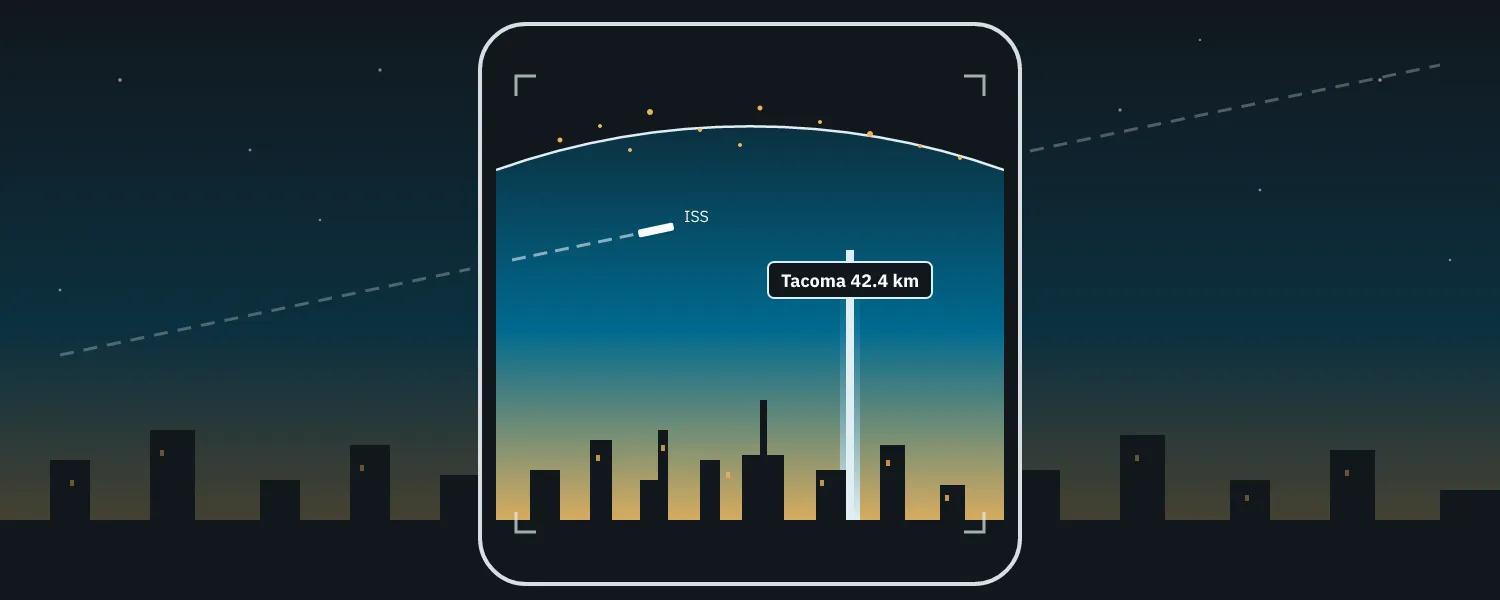
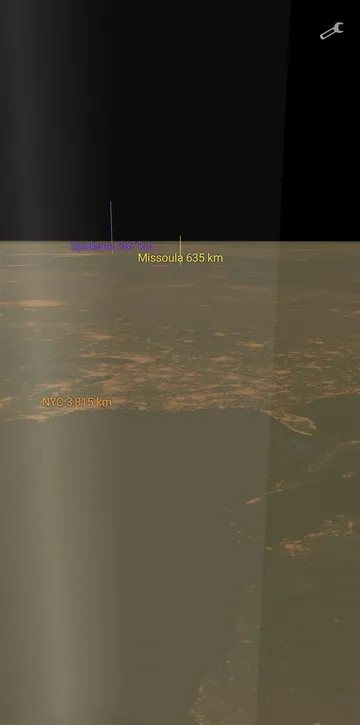
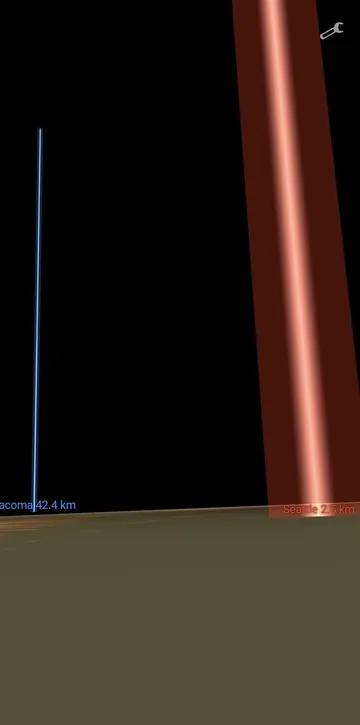
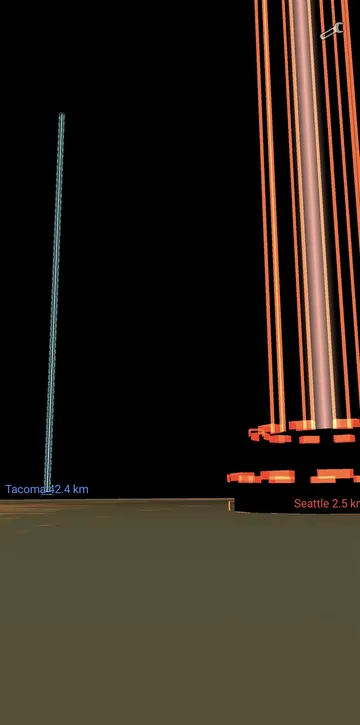
Point your phone west from Seattle and there’s a glowing tower rising out of Tacoma, labeled Tacoma 42.4 km. Pan up and the night side of the Earth curves away from you, city lights and all, with NYC’s tower readable 3,815 km over the horizon. A white dash crosses the sky where the ISS actually is, right now.
That’s WorldLock: a native Android AR app that georegisters content to the real world using ARCore’s Geospatial API. The phone knows where it is and which way it’s pointing, to within a few meters and degrees, so a tower drawn over a city 3,800 km away lines up with where that city actually is.
Source: github.com/jonborchardt/worldlock
What’s in it#
- City towers. A default set (Seattle, Tacoma, Spokane, Missoula, NYC, Tokyo, …) plus any city you add by name; it geocodes and drops a tower. Seven render styles, from a Tron-shell prism to a shrine beam to a “data pillar” with scrolling bands and rotating collar rings, all done in one shader with a style table. Bases sit on real terrain via ARCore terrain anchors.
- The whole Earth. A per-fragment ray-cast against a sphere, not a mesh, drawn as one fullscreen triangle, with Blue Marble day and night textures blended at the real solar terminator computed from the current time.
- The live ISS. Position fetched every 3 seconds from wheretheiss.at, linearly extrapolated between fixes, drawn as a little truss-and-solar-wings model that scales with distance so it stays visible at 400+ km.
The one hard rule#
Everything interesting in this app is a coordinate-precision problem. Earth-centered coordinates are ~6.4 million meters from the origin; 32-bit floats have ~7 significant digits; do the math and your geometry jitters by meters. So the rule is: authoritative positions are ECEF in doubles, converted to camera-relative ENU in doubles, and only the final origin-relative meters ever touch a GL float. The render origin stays pinned near you, where float precision is millimeters. The geodetic math even polices itself: a startup self-check verifies the conversions against exact WGS84 reference points and crashes the app at launch if they ever break.
The pipeline, with the one place a double becomes a float:
How bad is it if you skip that? A 32-bit float has 24 bits of mantissa, so the gap between one representable value and the next grows with the magnitude of the number:
| Distance from origin | Float32 step |
|---|---|
| 1 m | 1.2e-7 m |
| 10 m | 9.5e-7 m |
| 100 m | 7.6e-6 m |
| 1 km | 6.1e-5 m |
| 10 km | 9.8e-4 m |
| 100 km | 7.8e-3 m |
| 1,000 km | 0.0625 m |
| 6,371 km (Earth radius) | 0.5 m |
The other quiet trick is the reference anchor: the first time the Geospatial pose is accurate enough (position < 15 m, yaw < 15°), the app plants an ARCore geospatial anchor at that pose and rides it from then on. Georegistration survives pause/resume and works indoors after the first good fix, instead of waiting for VPS to re-converge every time.
There’s a looser render gate in front of that (yaw < 25°, with 2× hysteresis so it doesn’t flicker), so towers appear early and swing into place while the anchor waits for the tight fix:
The globe follows the same rule. Tessellating a planet-sized sphere near the camera is a precision disaster; a ray that solves the quadratic in the fragment shader is analytic at every distance. The constant term is precomputed in doubles on the CPU, leaving only a possible float shimmer right at the horizon. The sphere passes through local sea level, deliberately not the true ellipsoid.
The stats that matter#
The entire app is 8 Kotlin files, about 1,900 lines, with one AR dependency (com.google.ar:core) plus the Play Services location library that ARCore’s Geospatial mode requires. No Android Studio was involved at any point; it’s built, deployed, and debugged entirely from the command line. How that works, and why the codebase stayed that small, are the next two posts.