Work from 2001 to 2018 · Part 3 of 12
The Hover Preview Panel I Built at Bing
In 2008 I joined Bing's UX team and shipped the hover preview panel, the quick-answer module, and results-list features seen by hundreds of millions daily.
What I built#
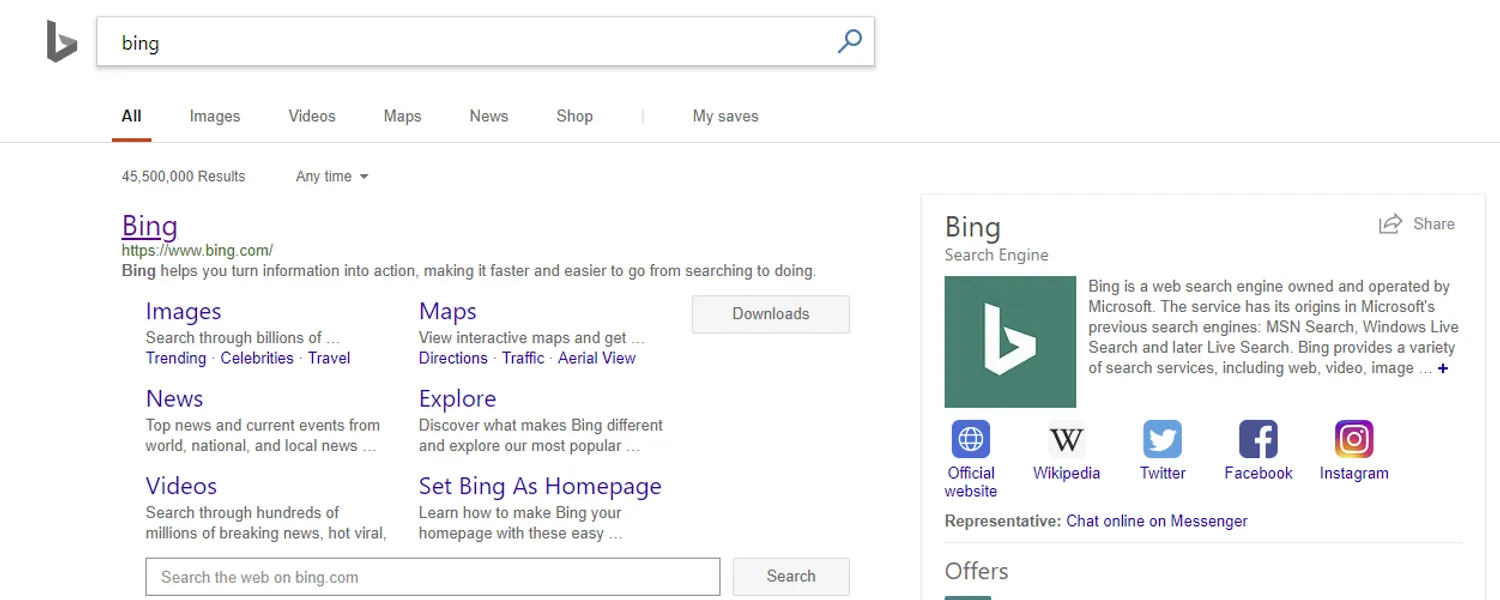
I joined Microsoft in March 2008 as an SDE2 on the Bing User Experience team and stayed until March 2010. Three things I built shipped to the live results page: the right-side hover preview panel, which gave people an instant content preview without leaving the results list; the quick-answer module at the top of results, which surfaced a direct answer before anyone needed to click through; and a run of core features on the results list itself, the part of the page nearly every query touches. All three sat in front of Bing’s main traffic. There was no ramp-up: a bad interaction was bad for everyone, immediately.
The stack underneath was C++, JavaScript, AJAX, and CSS, the vocabulary of pre-framework frontend work, where you built and instrumented most of your own plumbing. Alongside the shipping work I did rapid prototyping of UX ideas that weren’t committed to yet, sat in design and code reviews, and worked closely with designers and content producers to get a feature from mockup to something that survived contact with real query traffic. It’s also where I mentored for the first time (three junior engineers, formally assigned to me) and I liked it enough to keep doing it.
The one people remember#
The hover preview panel is the one people bring up most when I describe this job, probably because it changed a physical habit: you stopped needing to click away from the results to see whether a page was worth opening. It’s a small interaction by today’s standards, but it was one of the first times I watched a UI decision play out across a userbase too large to picture.